




How to Create a UGC Portfolio Website Using the iOS Core and Windows Core Aesthetic
If you've been scrolling through Pinterest, TikTok, or Instagram lately, you've probably noticed the rise of the iOS Core and Windows Core aesthetic. This nostalgic yet modern style is everywhere right now, especially among UGC creators, content creators, and personal brands who want their portfolio to feel unique and memorable.
The good news is that you don't need a complicated website or coding skills to create this look. With Canva Website, you can build a portfolio that feels fun, creative, and professional at the same time.
Here are a few tips to help you get started.
Keep It Clean But Full of Personality
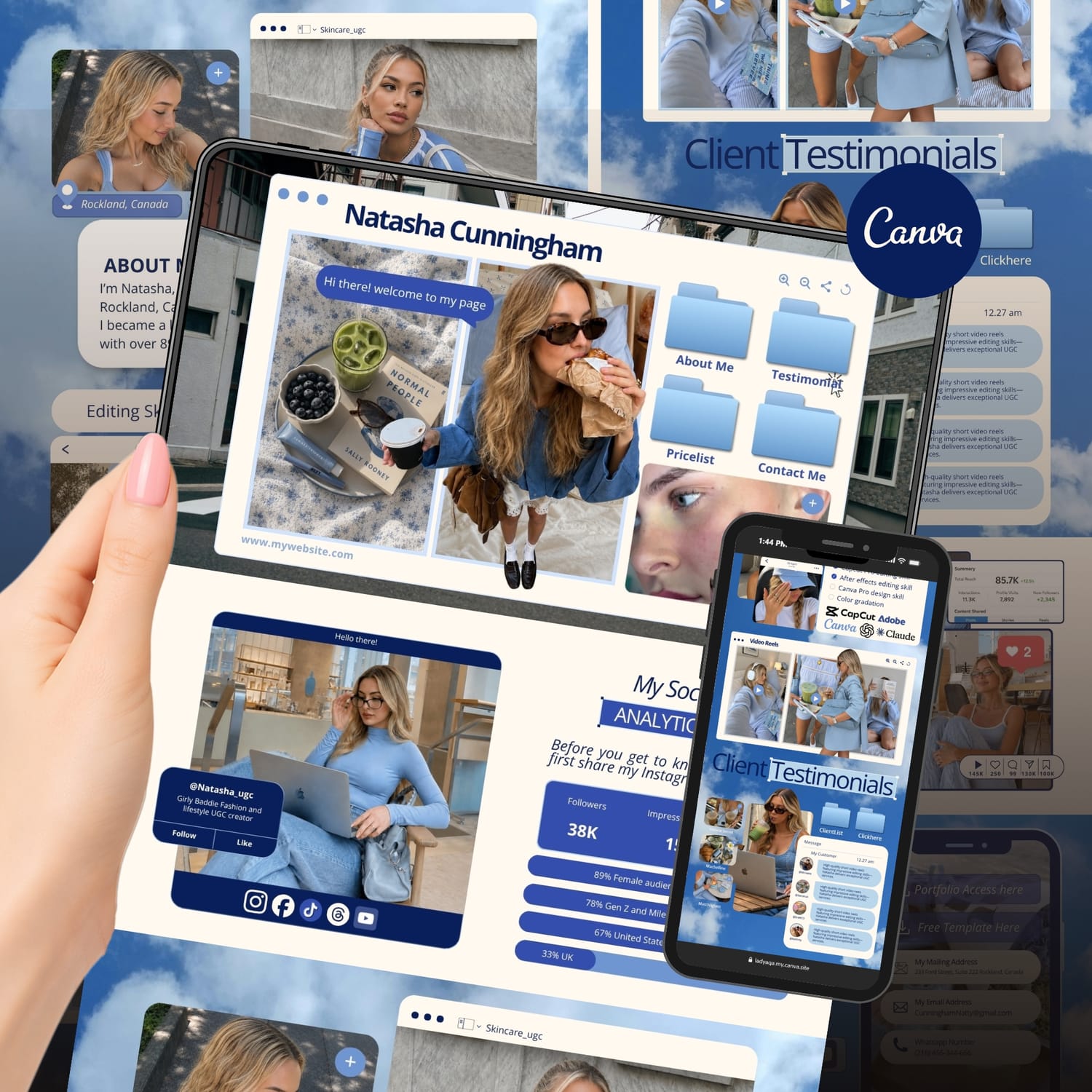
One thing that makes iOS Core and Windows Core designs stand out is the balance between simplicity and personality. Think of old computer folders, desktop windows, digital cameras, chat boxes, screenshots, sticky notes, and pop up style elements. These details instantly create a nostalgic internet vibe without making your website feel outdated. Try adding:
Folder inspired content sections
Screenshot style image frames
Desktop icons
Digital stickers
Retro buttons
Polaroid photos
The goal is to make visitors feel like they're exploring your digital world.
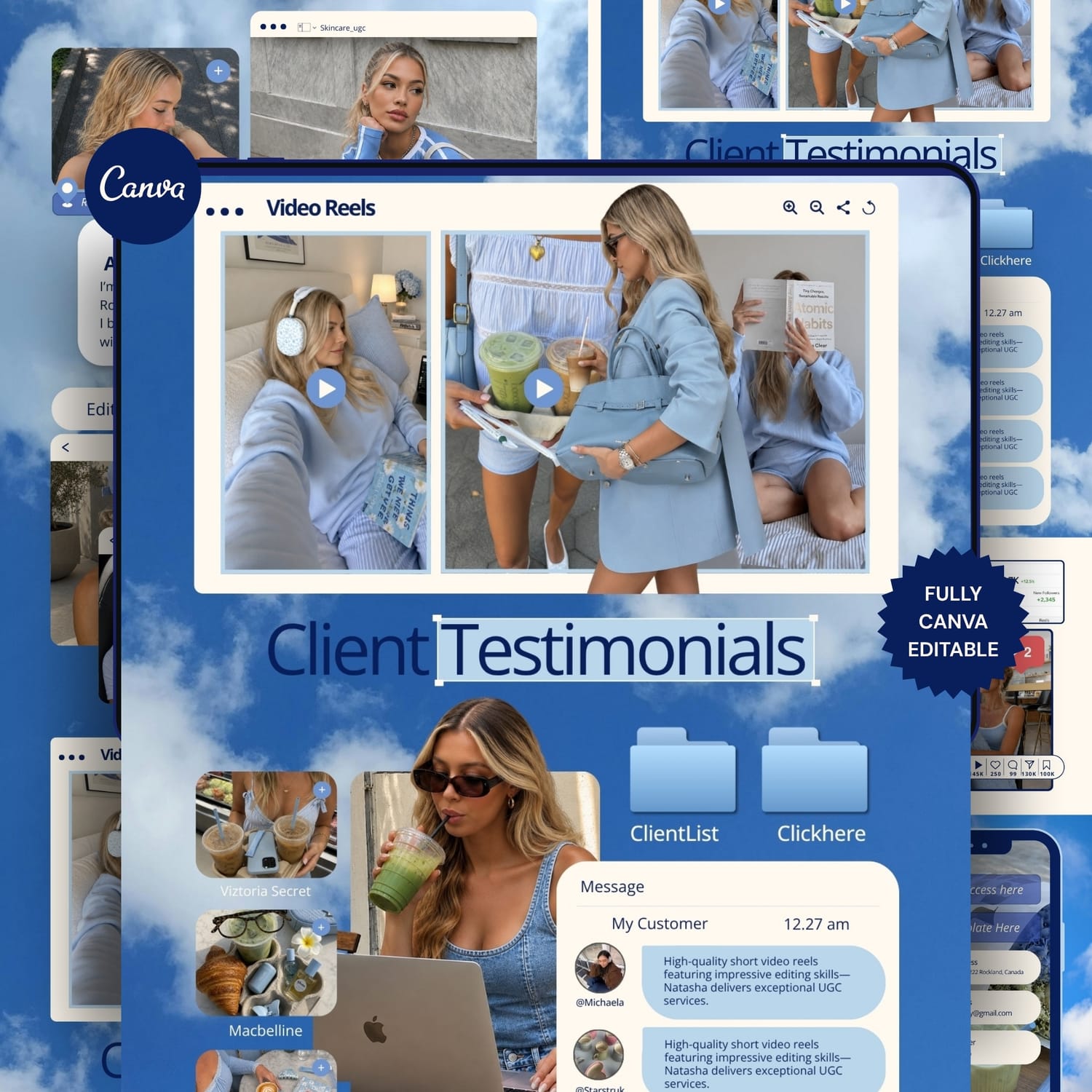
Make Your Portfolio the Main Character
Many UGC creators make the mistake of hiding their best content. Your portfolio should immediately show what you can do. Include:
Video examples
Brand collaborations
Content statistics
Testimonials
Content niches
Contact information
Potential clients should understand your style within a few seconds of landing on your website. Remember, brands are busy. Make it easy for them to see your value.
Use Soft Colors and Playful Details
The current version of the iOS Core and Windows Core trend feels much softer and more aesthetic than the original. Popular color palettes often include baby blue, soft pink, cream white, light gray, lavender, and silver. These colors help create a nostalgic digital vibe while still feeling modern and professional. You can also add small decorative elements such as stars, hearts, clouds, cursors, folders, and browser windows to make your website feel more immersive and memorable. Just remember that less is often more. Too many decorative elements can quickly make your portfolio feel cluttered instead of creative.
Create a Simple Navigation
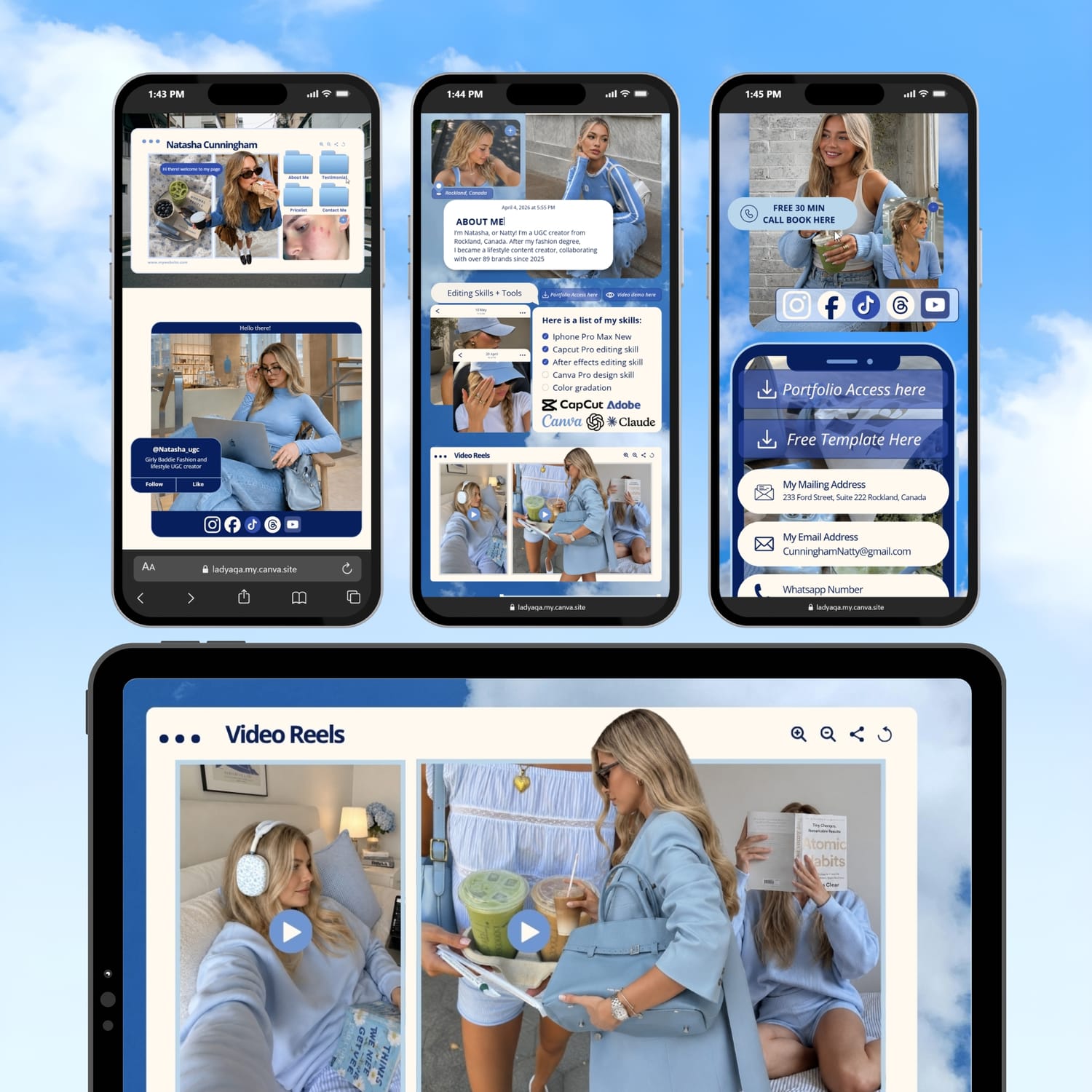
Even if your website has a creative and trendy design, it should still be easy to navigate. A strong UGC creator portfolio usually includes essential sections such as Home, About Me, Portfolio, Testimonials, Services, and Contact. Visitors should be able to find information quickly without feeling lost. The most effective websites are not always the most complicated ones. They're the websites that guide visitors naturally and encourage them to take action.
Show Your Results
Brands love seeing proof that your content can deliver results. If you've worked with businesses before, don't be afraid to showcase your achievements. This could include engagement growth, video views, sales results, positive customer feedback, or testimonials from brands you've collaborated with. If you're still new to UGC, that's completely okay. Create sample projects, build a few mock campaigns, and present them professionally. Every successful creator started with a portfolio that showcased their potential before they landed their first paid collaboration.
Make It Mobile Friendly
Most people who visit your portfolio will be viewing it on their phones, so mobile optimization is essential. Before publishing your Canva Website, take a few minutes to review your text size, button placement, image quality, and overall mobile layout. A website might look beautiful on a desktop screen, but if it's difficult to navigate on mobile devices, you could lose potential opportunities without realizing it.
Save Time With a Done For You Template
uilding a website from scratch can take a lot of time, especially when you're trying to recreate a popular aesthetic like iOS Core or Windows Core. Instead of staring at a blank page, you can start with a professionally designed Canva Website Template created specifically for UGC creators.
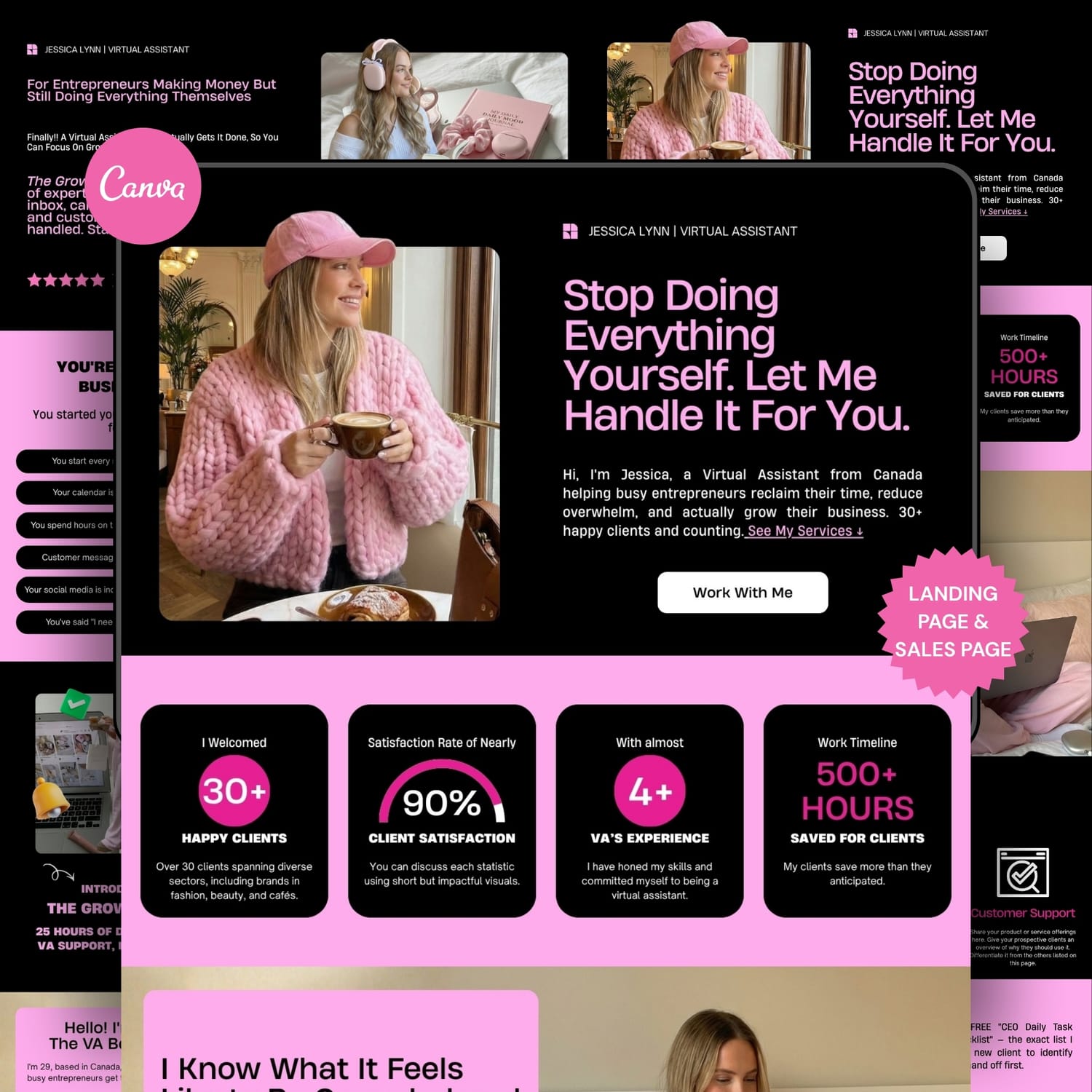
My templates include trendy iOS Core inspired layouts, portfolio sections, brand collaboration pages, mobile friendly designs, beginner friendly editing, and real copywriting guidance instead of empty placeholder text. Simply replace the images, customize the content, and make it your own.
If you're ready to create a portfolio that looks professional and helps you stand out from other creators, take a look at my done for you Canva Website Templates available in my Etsy shop. Your next brand collaboration could be just one website away.

Categories
Have A Project In Mind?
Whether you need a Canva website, sales funnel, template setup, collaboration, or just have a question, I'd love to hear from you. Most inquiries receive a response within 1–2 business days.
Created with ©systeme.io