


5 Reasons Social Media Managers Love Using Canva For Their Portfolio Website
If you're a Social Media Manager, chances are Canva is already one of your favorite tools. You probably use it to create Instagram posts, Pinterest graphics, client presentations, content calendars, media kits, and countless other design assets. So when it comes to building a portfolio website, it makes sense to use a platform you already know and love.
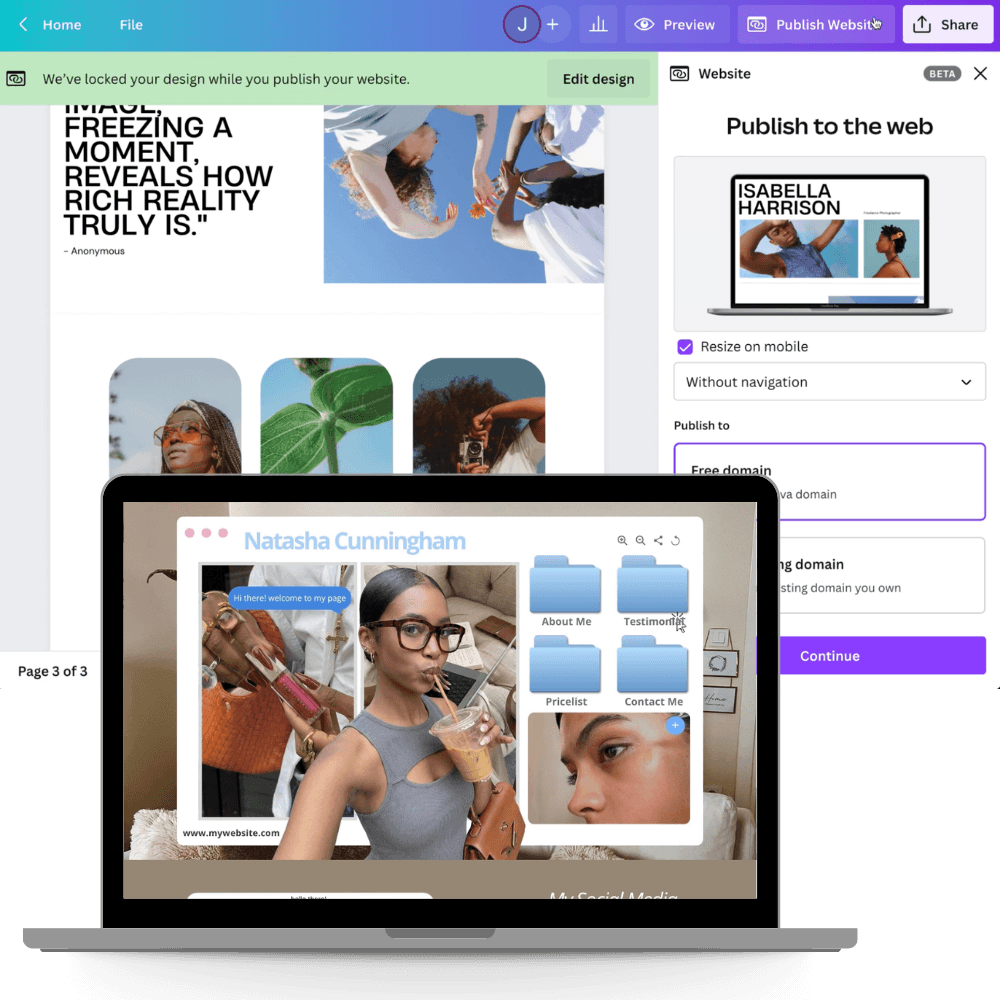
The good news is that Canva Website has become much more powerful over the last few years. It's now possible to create a clean, professional portfolio without dealing with complicated website builders or learning how to code. Here are 5 reasons many Social Media Managers are choosing Canva for their portfolio websites.
1. You're Already Using Canva Every Day
One of the biggest advantages of Canva Website is familiarity. Most Social Media Managers spend hours inside Canva creating content for clients. Instead of learning a completely new platform, you can build your website using tools you already understand. There's no steep learning curve. You can update text, replace photos, adjust colors, and edit sections without feeling overwhelmed. Everything feels familiar because it's all happening inside Canva.
2. Canva Is Already Part Of Your Workflow
Canva has evolved far beyond being just a design tool. Today, many Social Media Managers use Canva to create content, organize brand assets, collaborate with clients, plan campaigns, and even schedule social media posts.
Having your portfolio website in the same ecosystem helps keep everything organized. Rather than juggling multiple complicated platforms, Canva allows you to manage much of your creative work in one place.
For busy freelancers and service providers, simplicity matters.
3. Creating A Website Is Surprisingly Easy
Many people assume building a website requires technical skills. With Canva Website, that's no longer true.
Most portfolio websites can be created using simple drag and drop tools. You can move sections around, customize layouts, update images, and personalize your website without touching a single line of code.
This makes Canva especially appealing for Social Media Managers who want a professional online presence without spending weeks learning website design.
4. Your Brand Can Stay Consistent
As a Social Media Manager, branding is part of your job. You understand the importance of colors, fonts, visual consistency, and first impressions. Because Canva already stores your brand assets, it's easy to create a portfolio website that matches the look and feel of your social media presence. When potential clients move from your Instagram profile to your website, they'll experience a consistent brand identity that feels polished and professional. That consistency helps build trust.
5. It Helps You Look More Professional
While social media is great for attracting attention, a portfolio website gives potential clients a place to learn more about your services. Instead of sending people through dozens of Instagram posts, you can direct them to one simple page that showcases your services, testimonials, portfolio, packages, and contact information.
A portfolio website makes your business feel more established and helps potential clients understand how you can help them. It's one of the simplest ways to level up your online presence.
Final Thoughts
Canva Website isn't trying to replace every website platform on the internet.
What it does offer is a beginner friendly, affordable, and easy to manage solution for Social Media Managers who want a professional portfolio without unnecessary complexity. If you're already using Canva daily, creating your website there can feel like a natural next step.
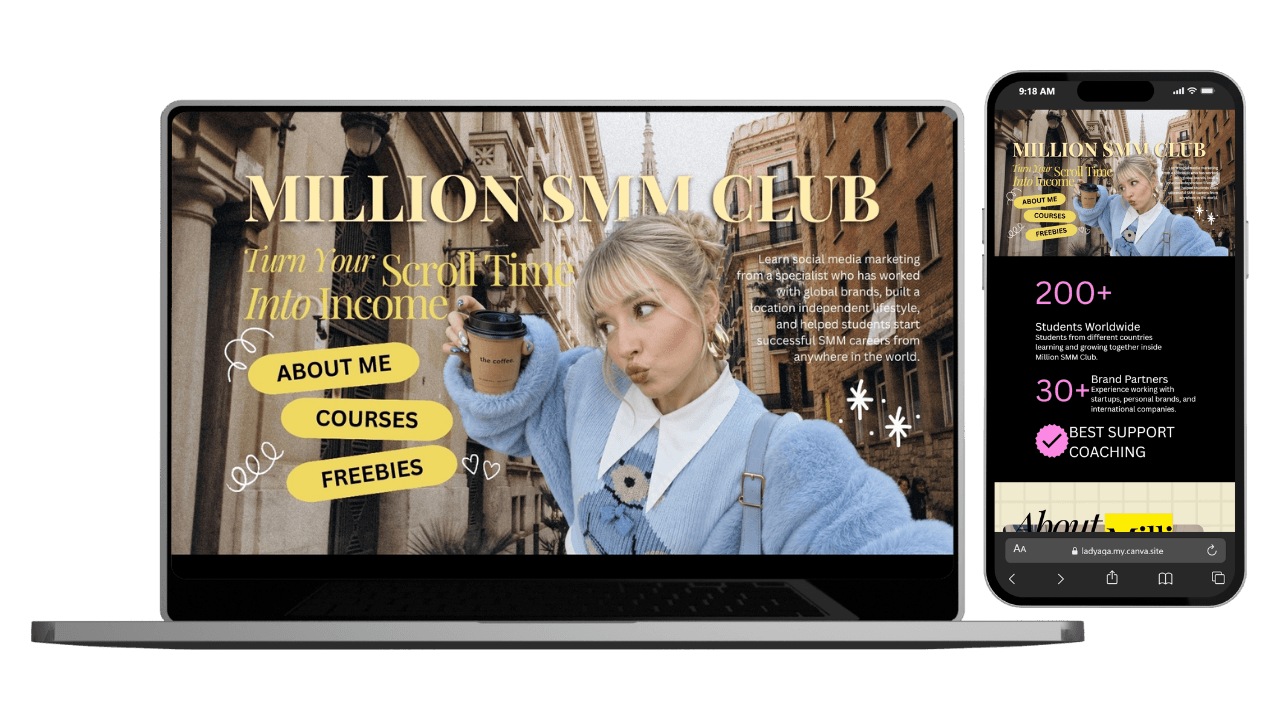
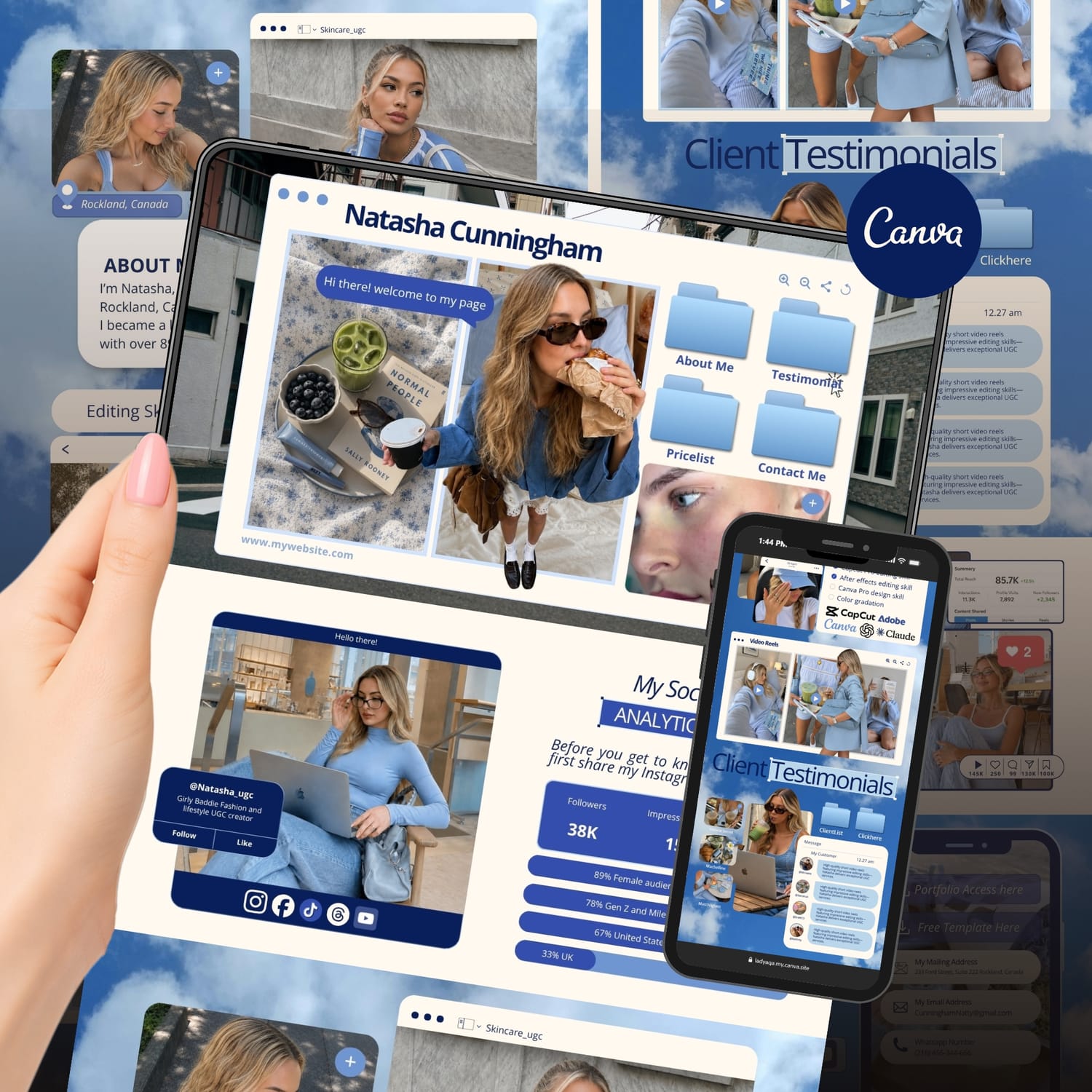
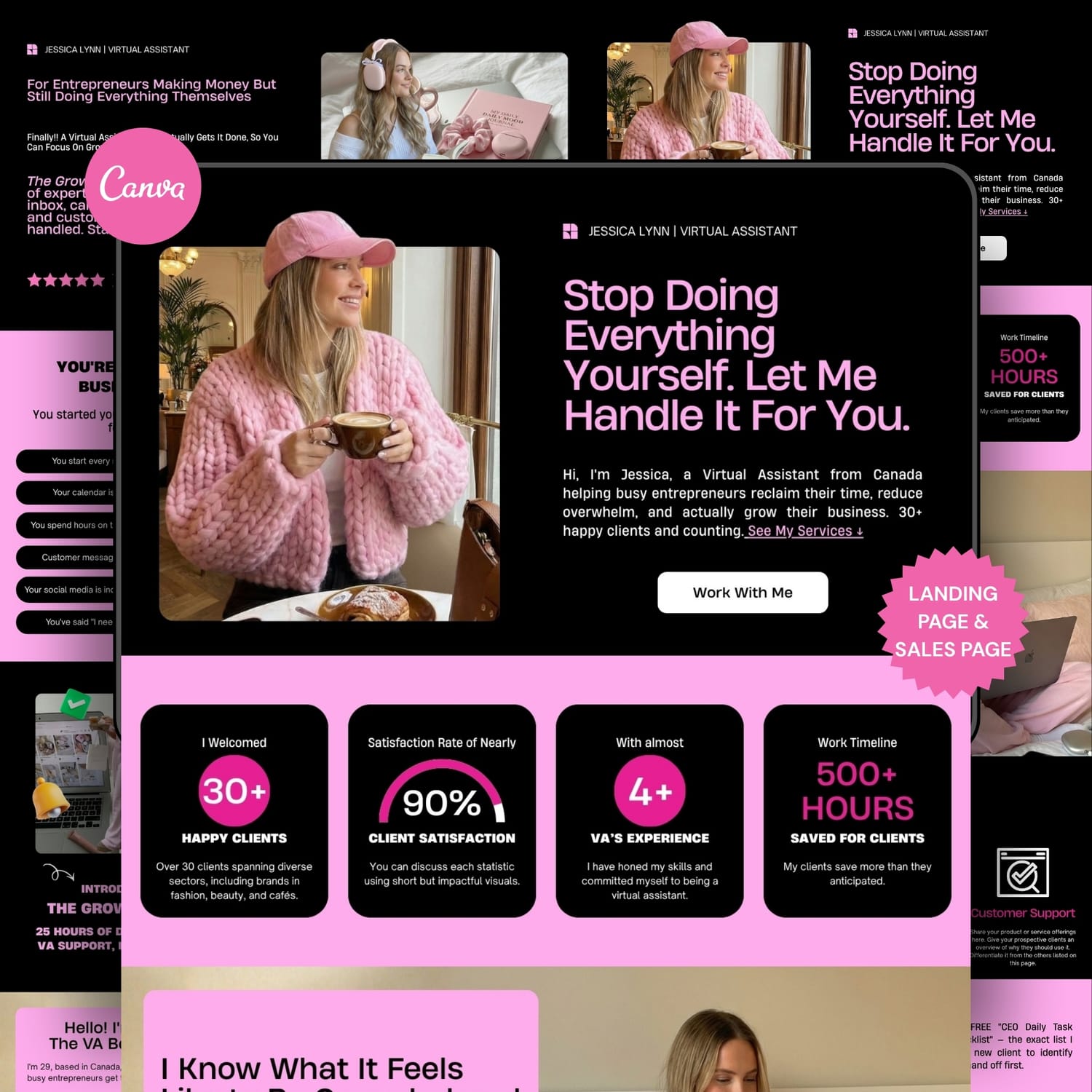
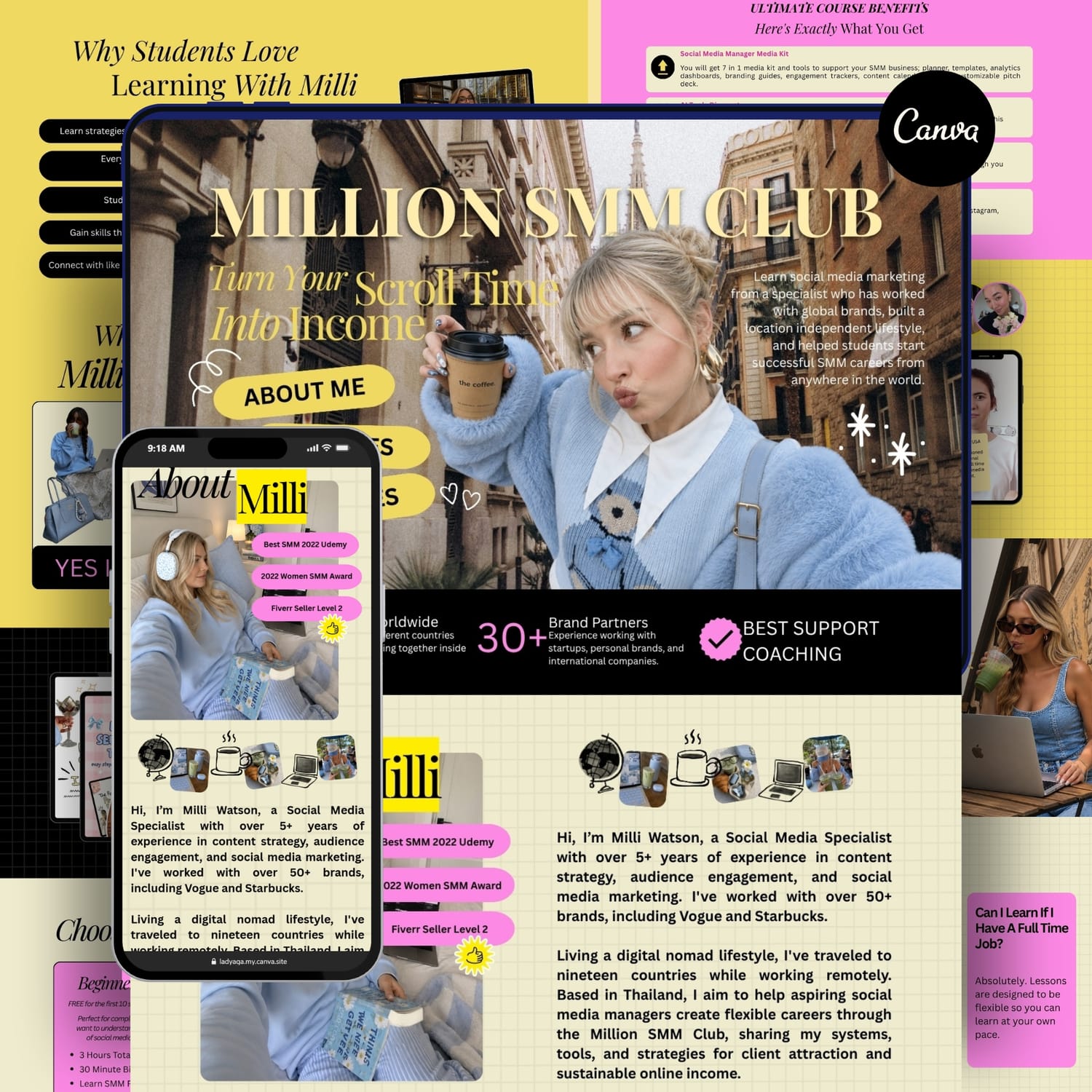
And if you don't want to start from a blank page, I've created several done for you Canva Website Templates designed specifically for Social Media Managers. Each template includes strategic page sections, professional layouts, and real copywriting guidance to help you launch faster.
Simply customize the content, add your branding, and make it your own using a Canva Free account.
✨ Explore my Canva Website Templates and find one that fits your style and business goals.

Categories
Have A Project In Mind?
Whether you need a Canva website, sales funnel, template setup, collaboration, or just have a question, I'd love to hear from you. Most inquiries receive a response within 1–2 business days.
Created with ©systeme.io